Profile Settings
Restaurant Profile
Manage your restaurant's public-facing information
Restaurant Identity
Cuisine Type
Restaurant Banner Image
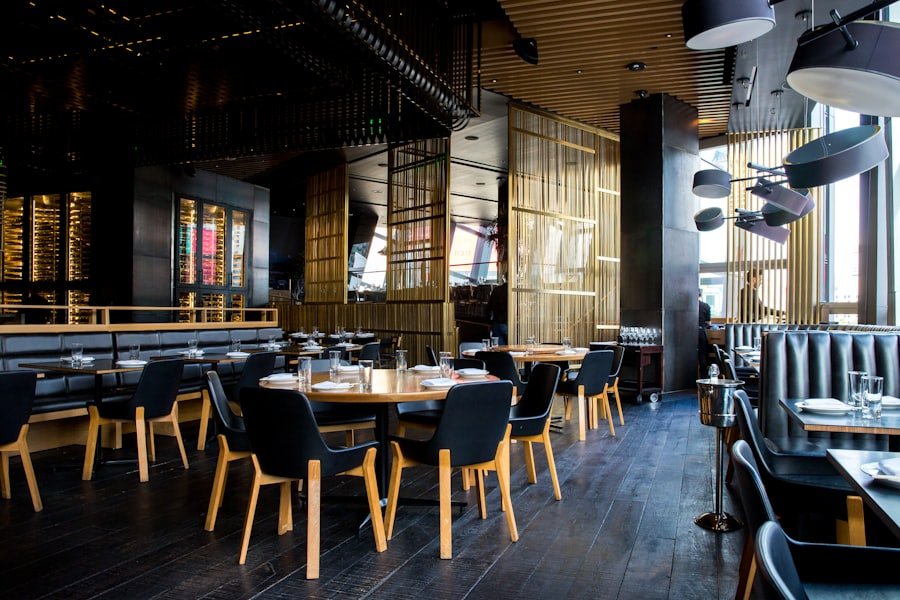 Recommended: 1200×400px, PNG or JPG
Recommended: 1200×400px, PNG or JPG
Restaurant Logo / Thumbnail

Restaurant Gallery Images


 Up to 6 photos. Shown to employees in One Hub.
Restaurant Tags & Indicators
Tags visible to employees when browsing restaurants
Rating Display
Ratings are automatically calculated from customer feedback submitted via ADNOC One Hub. Ratings cannot be manually edited.
Operating Hours & Schedule
Weekly Schedule
| Day | Open | Opening | Closing | Pause | Pause Start | Pause End |
|---|---|---|---|---|---|---|
Monday |
||||||
Tuesday |
||||||
Wednesday |
||||||
Thursday |
||||||
Friday Adjusted hours for Friday prayers |
||||||
Saturday |
||||||
Sunday |
Orders can only be placed during configured operating hours. Even within operating hours, order acceptance must be manually started using the 'Start Accepting Orders' control in Ordering Status settings.
Copy Schedule
Applies Monday's opening, closing, and pause times to Tuesday through Thursday
Ordering Status
Currently Accepting Orders
Order Acceptance
Restaurant is currently OPEN and accepting orders
Tap to stop accepting
Accept Pickup Orders🛍 Pickup Enabled
Allow customers to order for counter collection. Pickup orders skip delivery assignment and use a pickup code.
High Demand Mode
Indicate to customers that the restaurant is experiencing high order volume. System may suggest this automatically.
Delivery Unavailable🏃 Pickup-Only Mode Active
Mark delivery agents as unavailable. Restaurant automatically switches to pickup-only mode.
Temporarily Pause Orders
Pause new order acceptance for a set duration without going offline.
Restaurant Active Status
When inactive, restaurant is hidden from all listings and ordering is fully disabled.
Order Acceptance
Active
Delivery Mode
Available
Pickup Mode
Enabled
Restaurant Status
Active
Security & Password
Last updated 45 days agoChange Password
Current Password *
New Password *
Strong password
Confirm New Password *
Two-Factor Authentication (TOTP)
Add an extra layer of security using an authenticator app (e.g. Google Authenticator)
Enabled
Active Sessions
Chrome on Windows
Safari on iPhone